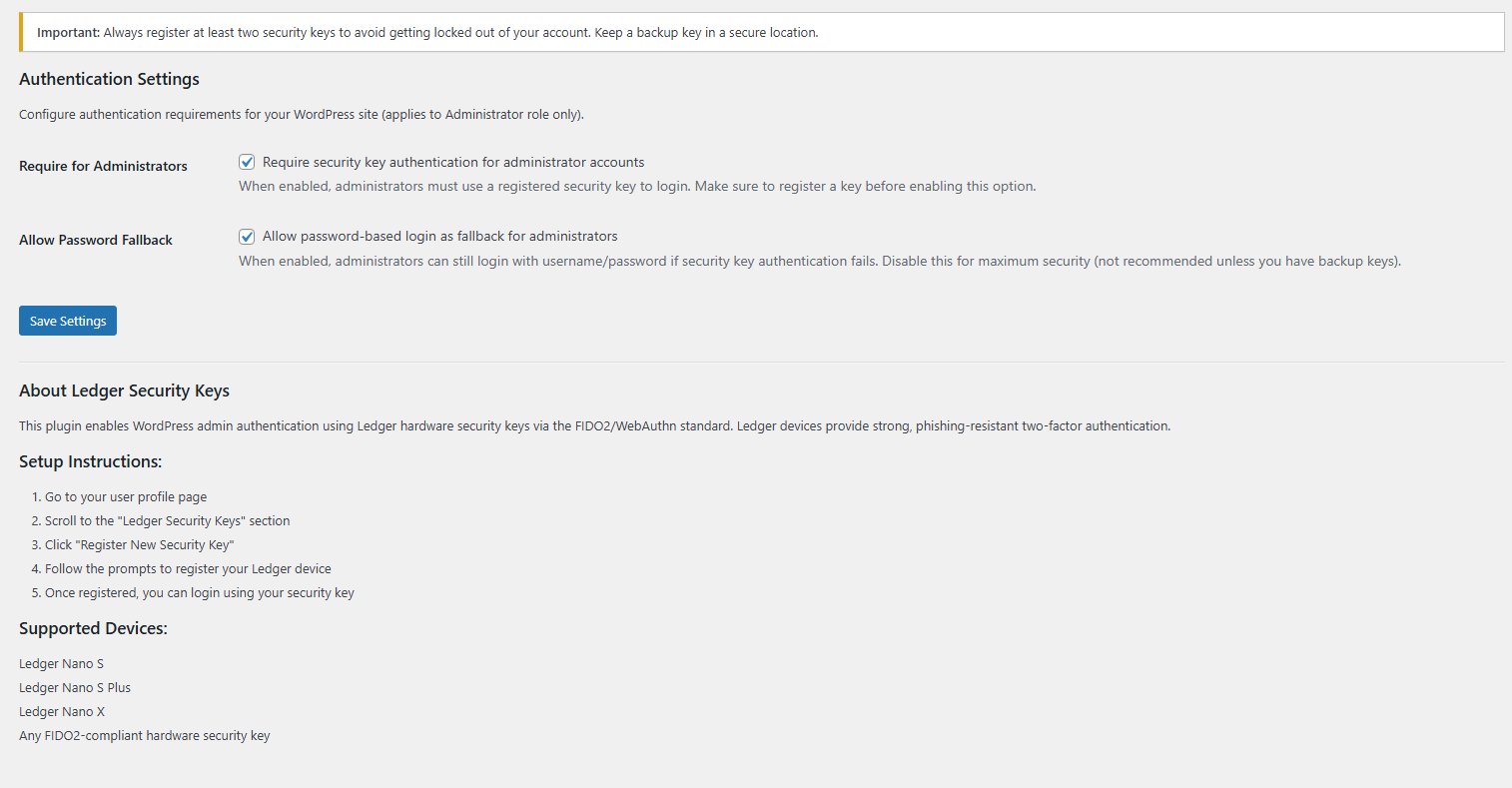
This **Standard version is for administrators only**. Only users with administrator role can register and use Ledger keys.
Features
* Ledger hardware key authentication (Nano S, Nano X, FIDO2-compatible devices)
* WebAuthn/FIDO2 protocol
* Administrator-only access
* Multiple keys per admin
* Password fallback always available
* Replay attack protection
* Easy key management from user profile
Installation
1. Download the plugin zip file.
2. Go to **Plugins → Add New → Upload Plugin**
3. Upload ZIP and click **Install Now**
4. Click **Activate**
The database table is created automatically on activation.
Frequently Asked Questions
= How do I register a key? =
1. Log in as **Administrator**
2. Go to **Users → Your Profile**
3. Scroll to **”Security Keys”** section
4. Click **”Register New Security Key”**
5. Enter device name (e.g., “My Ledger Nano X”)
6. Click **”Register”** and follow prompts on your Ledger
How do I login?
1. **Log out** of WordPress
2. On login page, enter your **username**
3. Click **”Login with Ledger Security Key”** button
4. Interact with your Ledger when prompted
Who can use this?
**ADMINISTRATORS ONLY**
* Editors: Cannot use Lock & Security Key auth
* Authors: Cannot use Lock & Security Key auth
* Contributors: Cannot use Lock & Security Key auth
* Subscribers: Cannot use Lock & Security Key auth[/vc_column_text]